Welcome to the Cabman family!

Thank you for using the Cabman MDT! We're excited to guide you through all the features of the Cabman MDT. Keep reading for a quick start!
DSC03925-2 kpie
hero-jobbies-7
MDT_schermen_recht_ritoverizcht
Let's start! 

Introduction

We're thrilled you've decided to embark on your journey with our Cabman MDT. To ensure you hit the ground running quickly and effortlessly, we've meticulously crafted a tailored step-by-step user guide for you.

The best part? Everything is presented through videos, allowing you to easily follow along and master the MDT with confidence, ensuring you get off to a flying start!

Your guide to using the Cabman MDT

How does the Cabman MDT work? 

How to log in

Let's start your shift! First you need to log in to your MDT. It's super easy, just follow the video and you'll be up and running in no time.

Activities

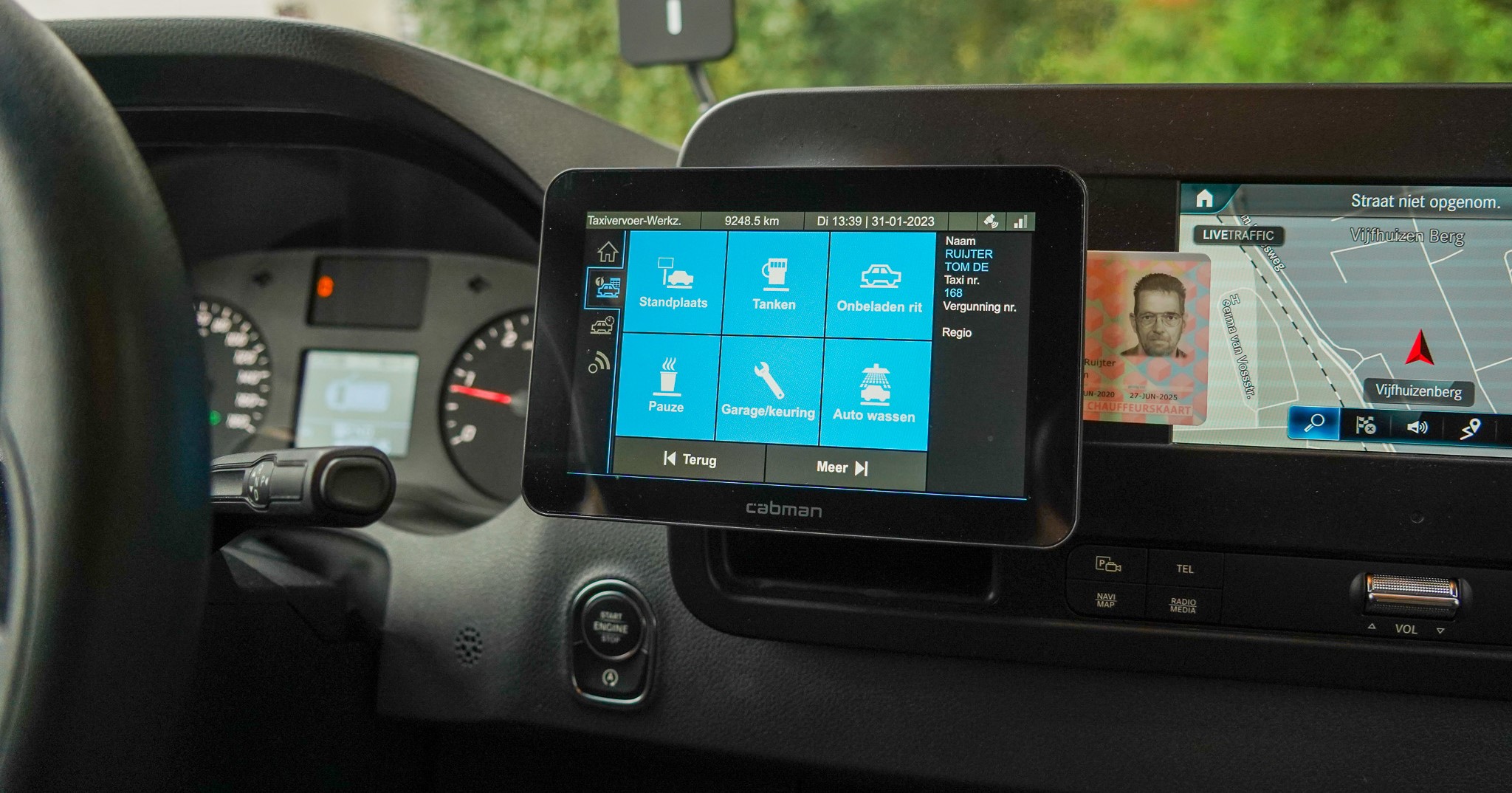
The Cabman MDT operates on a system of activities. Selecting an activity is a must. Watch our video on the right for a step-by-step guide on navigating this.

Taximeter trip

The Cabman MDT comes equipped with a built-in taximeter, streamlining your ride transactions effortlessly. To unlock this feature, simply activate our exclusive Cabman Taximeter module. Dive into the instructional video below to learn the step-by-step process of logging a trip using the taximeter function.

Fixed trips

Want to register an fixed trip? It's also possible with Cabman MDT. Just follow the instructions in the video and you're ready to go! 

Trip overview

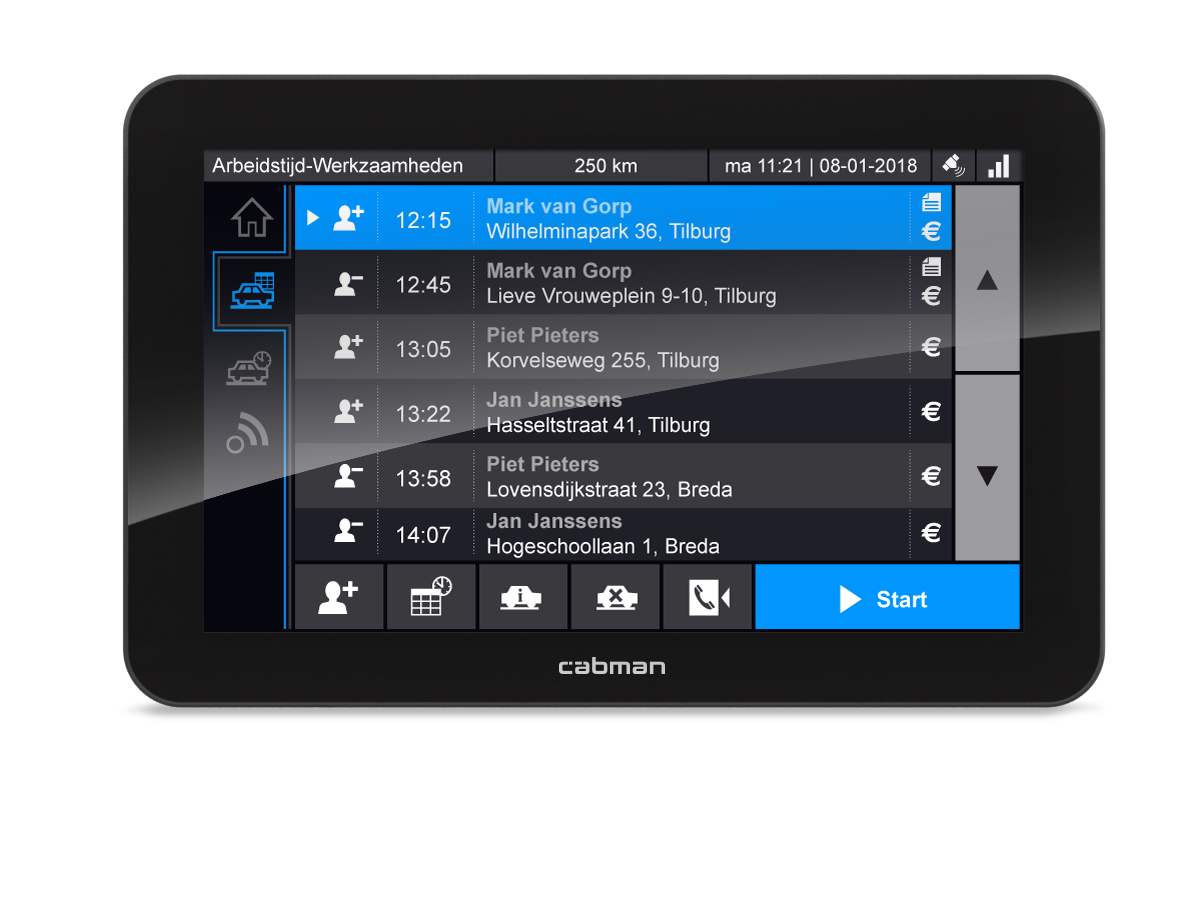
Maintaining constant oversight of your service is crucial. The trip overview section grants you comprehensive visibility into every trip and activity logged, ensuring you always have a complete understanding of your service.

Discounts

Giving discounts to your customers and registering them properly is a breeze with the Cabman MDT. You can easily add them to the MDT using the video on the right. 

Splitting costs

At times, dividing expenses among multiple travelers can significantly simplify the payment process. Cabman MDT offers a variety of methods for sharing costs effortlessly. Check out our instructional video for a comprehensive guide.

Shift history

Is your shift over? Then you can view your shift history at any time via the Cabman MDT. In this shift history you can see, among other things, your shift time, the kilometres driven and the payments you have registered. 

Print old receipt

Want to find and print an old reciept? It will take no time at all if you follow the instructions in this video.

Logging off

The shift is over! At the end of your shift, you must log out of the MDT. We are happy to explain how this works. 

Need help?

 We hope that our instructions are clear enough to ensure that you can easily work with our Cabman MDT. 

Do you still have questions? Then your manager can contact our local representative. 

Follow us on LinkedIn!